Windows 81 Simulator
Gophish is a powerful, open-source phishing framework that makes it easy to test your organization's exposure to phishing.
For free.
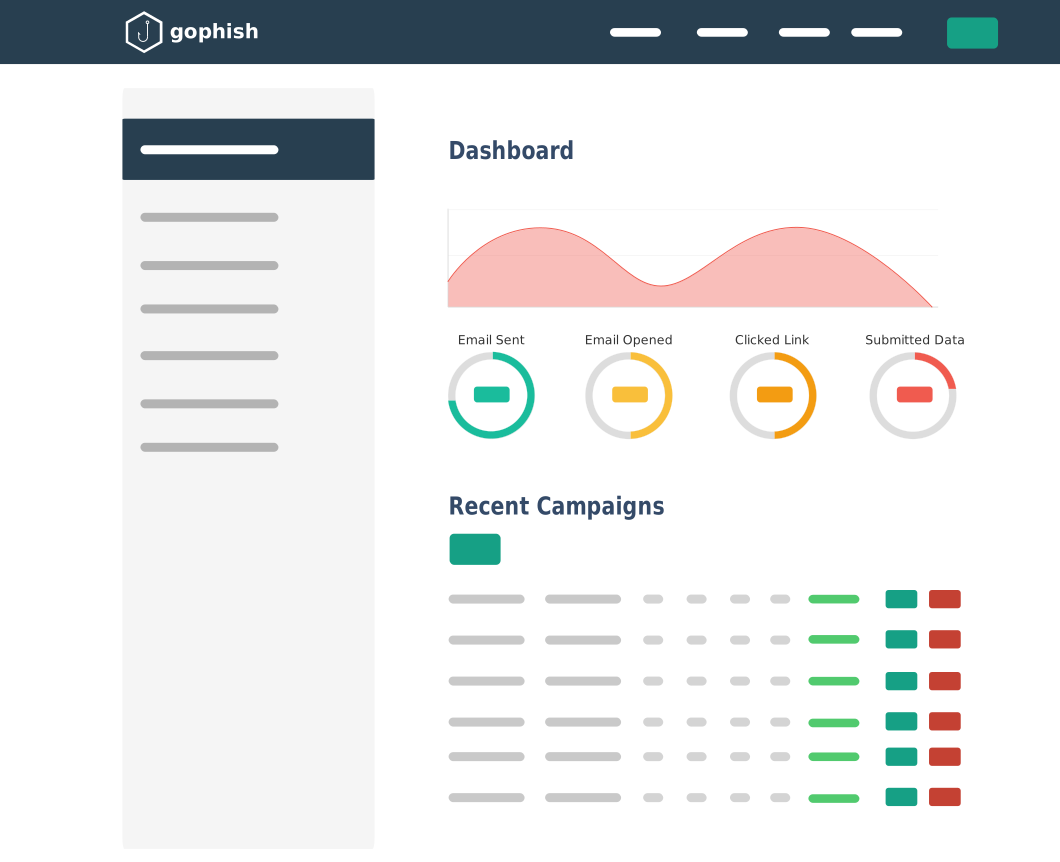
Gophish is a powerful, open-source phishing framework that makes it easy to test your organization's exposure to phishing.
For free.
Gophish makes it easy to create or import pixel-perfect phishing templates.
Our web UI includes a full HTML editor, making it easy to customize your templates right in your browser.
Launch the campaign and phishing emails are sent in the background. You can also schedule campaigns to launch whenever you'd like.
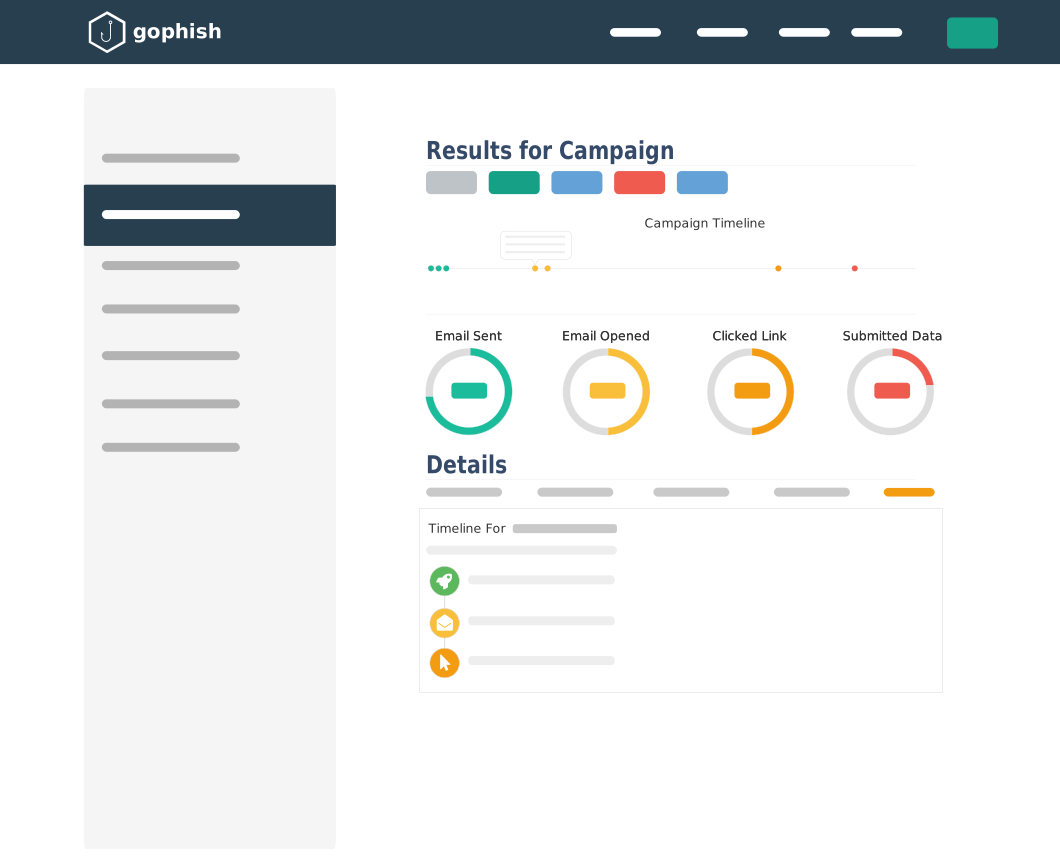
Detailed results are delivered in near real-time. Results can be exported for use in reports.
Using a Windows 8.1 simulator is relatively straightforward. Here are the general steps:
A Windows 8.1 simulator is a software application or interactive webpage that mimics the user interface (UI), design language, and core functionality of Microsoft’s Windows 8.1 operating system. Unlike a full virtual machine (VM), which requires an official ISO file, dedicated system resources, and a lengthy installation process, a simulator is lightweight. It focuses primarily on the visual and behavioral aspects of the OS. Simulators generally fall into two categories:
: For students of UI/UX design, simulators provide a hands-on way to study "what went wrong" and "what went right." They allow users to experience the friction of the full-screen Start menu and the innovation of "Snap" multitasking in its early form. windows 81 simulator
A Windows 8.1 simulator is software that mimics the look, feel, and functionality of the Windows 8.1 operating system. Unlike a full operating system installation, a simulator runs inside your current browser or host OS without modifying your hard drive. Simulator vs. Emulator vs. Virtual Machine
3. Setting Up a Functional Virtual Machine (The Advanced Route) Using a Windows 8
High-quality simulators aim to recreate the "Modern" (Metro) interface that defined this era of Microsoft's design. Key features often include:
If a website asks you to download and install a .exe file just to see a basic visual simulation, close the tab. True simulators run directly in your browser. It focuses primarily on the visual and behavioral
Start the virtual machine and select your ISO file to begin the installation process.
Relive the Tiles: Why You Should Try a Windows 8.1 Simulator Today
Still Stuck on Windows 8.1? How to Upgrade to Windows 10 or 11